SEE Result 2082: How to Check Your Marksheet Online at see.ntc.net.np
The long wait for the Secondary Education Examination (SEE) 2082 is coming to an end. The National Examination Board (NEB) has confirmed that the results will be published within this month. At Kinbech Shop, we have prepared this comprehensive guide to help you check your results faster and download your marksheet without any technical hurdles.
When will the SEE Result 2082 be Published?
As of April 21, 2026, the NEB is finalizing the data entry from over 1,900 examination centers. While the exams ended in Chaitra 2082, the official result publication is slated for late Baishakh 2083. Stay tuned to this page for the exact minute-by-minute updates.
Fastest Ways to Check SEE Result 2082
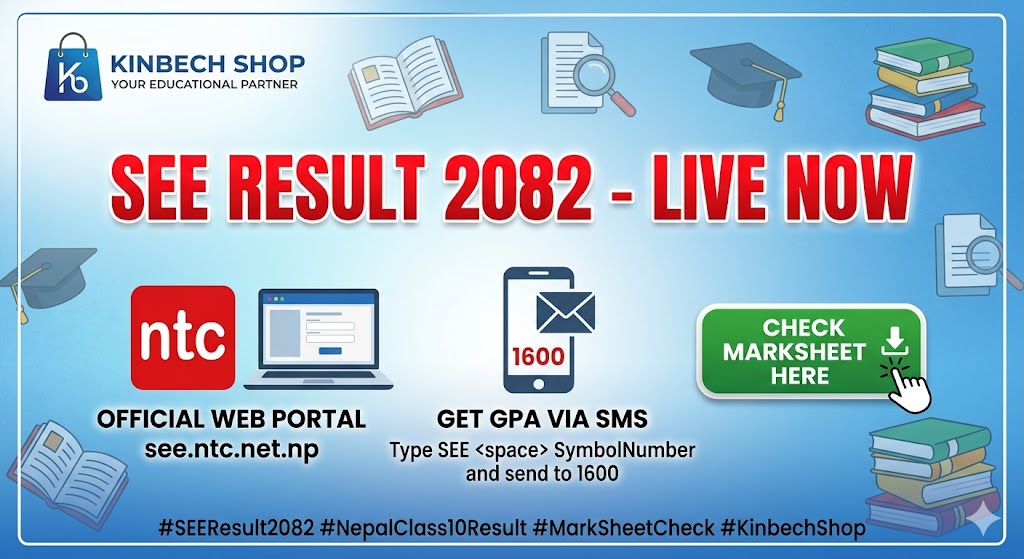
Method 1: Official Website (With Marksheet)
To view your subject-wise grades (GPA) and download your marksheet, use the official Nepal Telecom portal:
-
Website: https://see.ntc.net.np/
-
Process: 1. Open the link above. 2. Enter your Symbol Number (e.g., 0123456P). 3. Enter your Date of Birth (Format: YYYY/MM/DD). 4. Click 'Search' to view your full gradesheet.
Method 2: Check via SMS (Offline)
If the website is busy or you have no internet, you can get your GPA instantly via SMS:
-
Nepal Telecom: Type
SEE <space> SymbolNumberand send to 1600. -
Aakash Tech: Type
SEE <space> SymbolNumberand send to 31003.
Understanding the 2082 Grading System
This year, the grading system remains strict. Students must score a minimum of 35% in theory for every subject to avoid an "NG" (Not Graded) status.